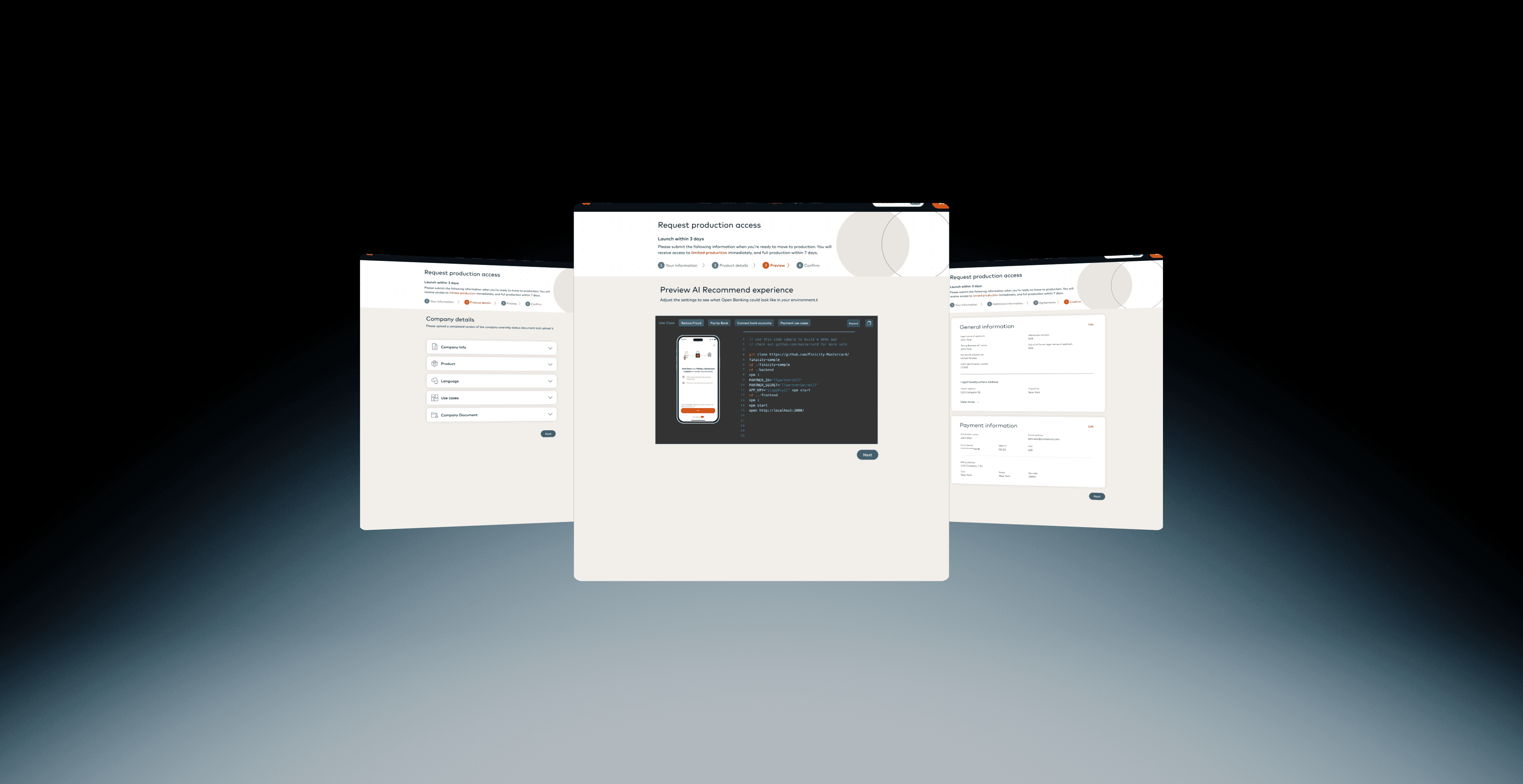
My Role
Product Designer
Launch Date
Dec 2023
Tools Used
Figma, Jira
Overview
In December, our team was preparing to onboard 700 indirect clients into a new Pay use case. Given the scale, we knew the existing onboarding process — which often required weeks of back-and-forth with Sales Engineers — wouldn’t scale. We needed a solution that:
Reduced manual effort from internal teams
1.
Help Clients configure Connect faster and more accurately
Help Clients configure Connect faster and more accurately
Reduced manual effort from internal teams
2.
Help Clients configure Connect faster and more accurately
3.
Delivered a repeatable, self-serve experience
Delivered a repeatable, self-serve experience
This urgency inspired me to explore an AI-powered recommendation system that could guide clients through the best Connect configuration for their product and end users — and generate ready-to-use API code to simplify implementation.
To make the AI system more transparent and adaptable for different client needs, I designed a Model Control Panel (MCP) — an interface that allows users to adjust, monitor, and refine the AI’s behavior. Through the MCP, users can select model preferences (such as industry type or client segment), review generated recommendations, and provide direct feedback to improve accuracy over time.
The problem
As is:
Problem:
Clients needed more control over branding and user experience, but customization required manual work from the Finicity Sales Engineering team
This dependency caused integration delays of 2–4 weeks, leading to higher costs and inefficiencies that prevented Finicity from scaling and staying competitive.
As is:
Problem:
Clients needed more control over branding and user experience, but customization required manual work from the Finicity Sales Engineering team
This dependency caused integration
delays of 2–4 weeks, leading to higher
costs and inefficiencies that prevented
Finicity from scaling and staying
competitive.
As is:
Problem:
Clients needed more control over customizing their Connect integration. While the existing tool allowed manual configuration of branding, workflows, and APIs, many clients struggled to determine the optimal setup for their product and end users.
Lengthy onboarding (2–4 weeks of back-and-forth with Sales Engineers)
Incorrect or suboptimal configurations
Increased reliance on technical teams to implement API code
Design Goal
Introduce an AI-driven feature that analyzes client and end-user data to recommend the best Connect experience and generate ready-to-use API code snippets to speed up implementation.
Key Insights:
Time-to-implement is a critical KPI for client satisfaction.
Clients want personalized recommendations, not a one-size-fits-all flow.
Key Insights:
Time-to-implement is a critical KPI for client satisfaction.
Clients want personalized recommendations, not a one-size-fits-all flow.
Discovery
I conducted 5 stakeholder interviews (Sales Engineers, Client Support, Mid-market clients) and mapped pain points
Clients: Didn’t know which flows/features best suited their business model.
Developers: Spent time searching docs, writing boilerplate code.
Sales Engineers: Repeatedly guided clients through the same configurations.
We built an AI-powered recommendation system that analyzes client data, suggests the best Connect setup, and generates ready-to-use API code to speed up implementation.
Key Insights:
Time-to-implement is a critical KPI for client satisfaction.
Clients want personalized recommendations, not a one-size-fits-all flow.
User testing
We conducted remote usability testing with six client teams representing a mix of product managers and developers. The sessions focused on validating whether AI-generated recommendations and code snippets addressed their key pain points.
Our solution
We built an AI-powered recommendation system that analyzes client data, suggests the best Connect setup, and generates ready-to-use API code to speed up implementation.
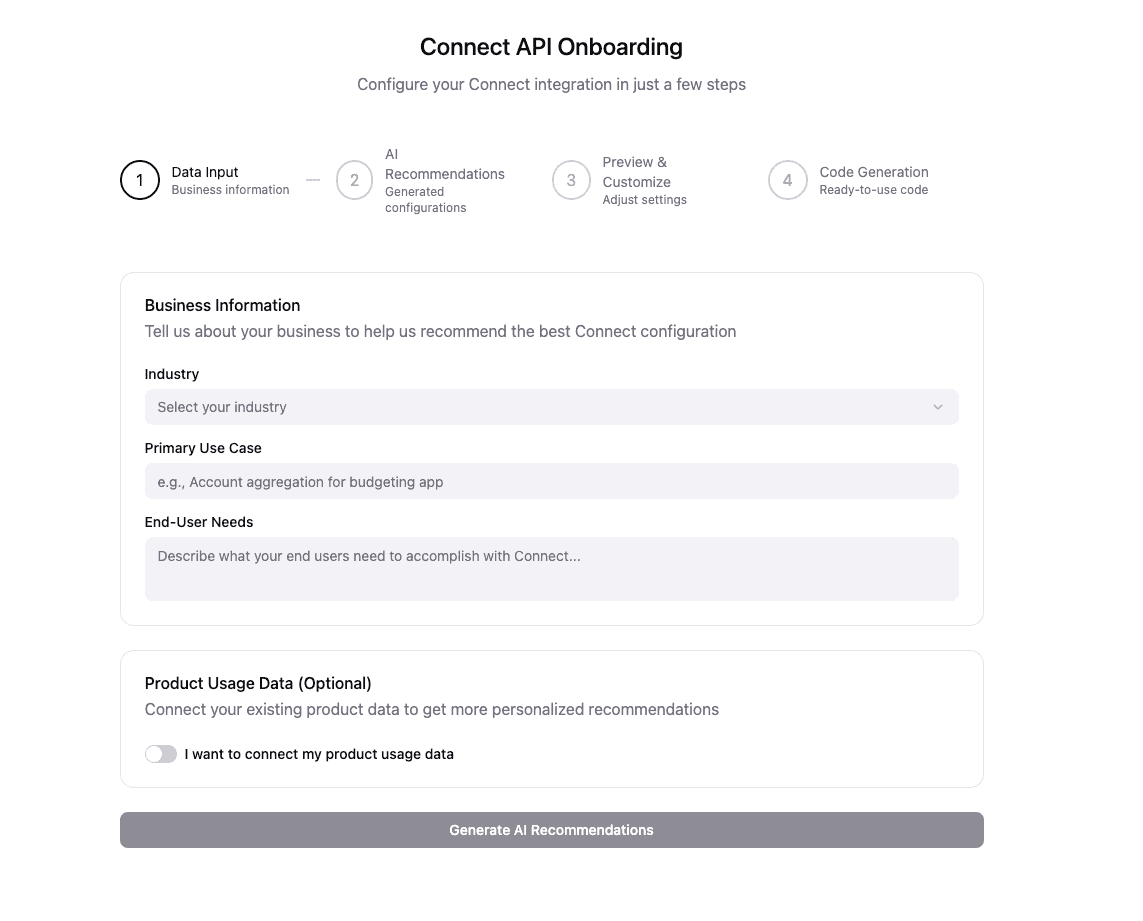
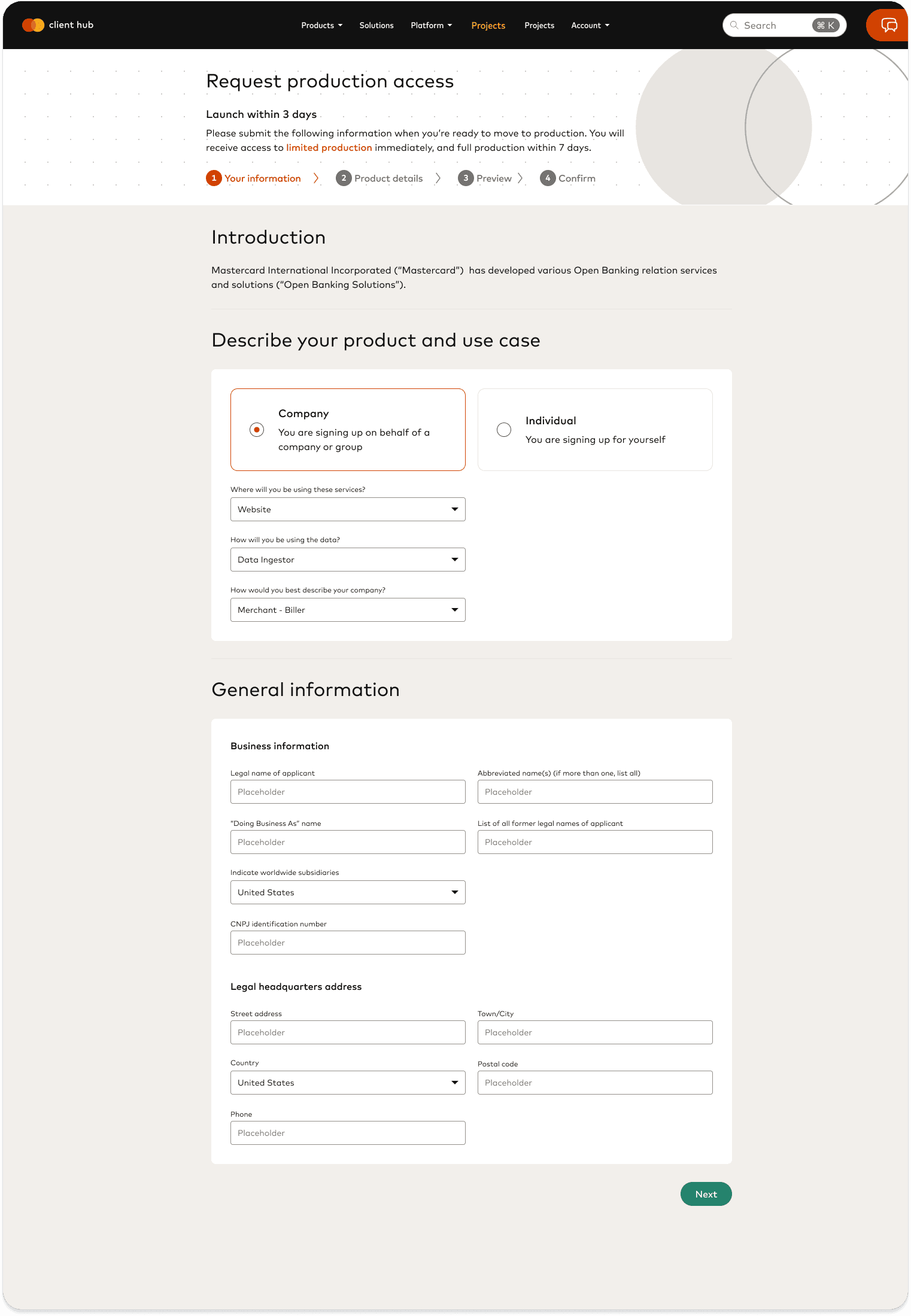
Onboarding Data Input: Clients enter key info (industry, use cases, etc.)
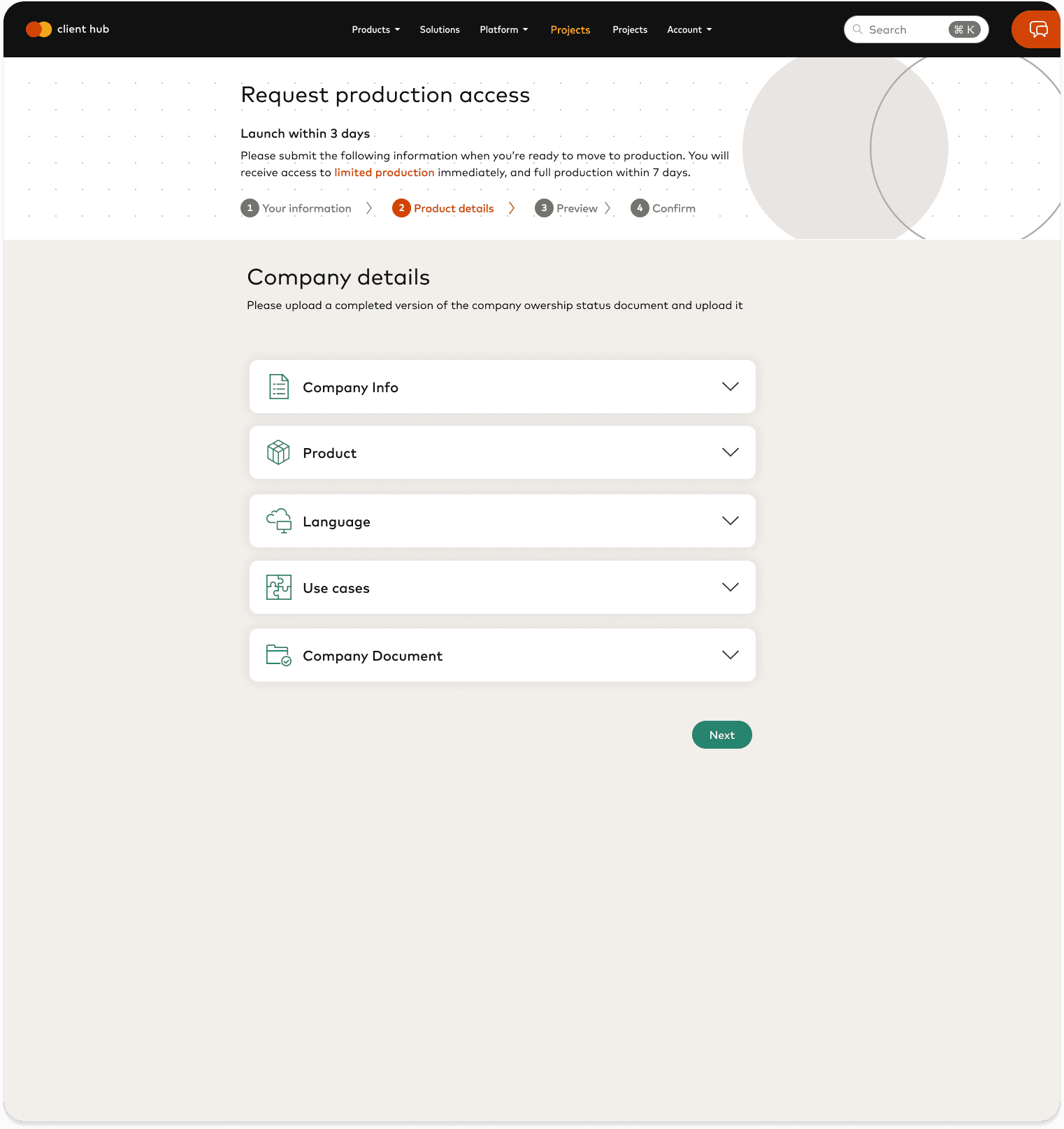
AI Recommendation Screen: AI generates 2-3 recommended Connect configurations tailored to their business
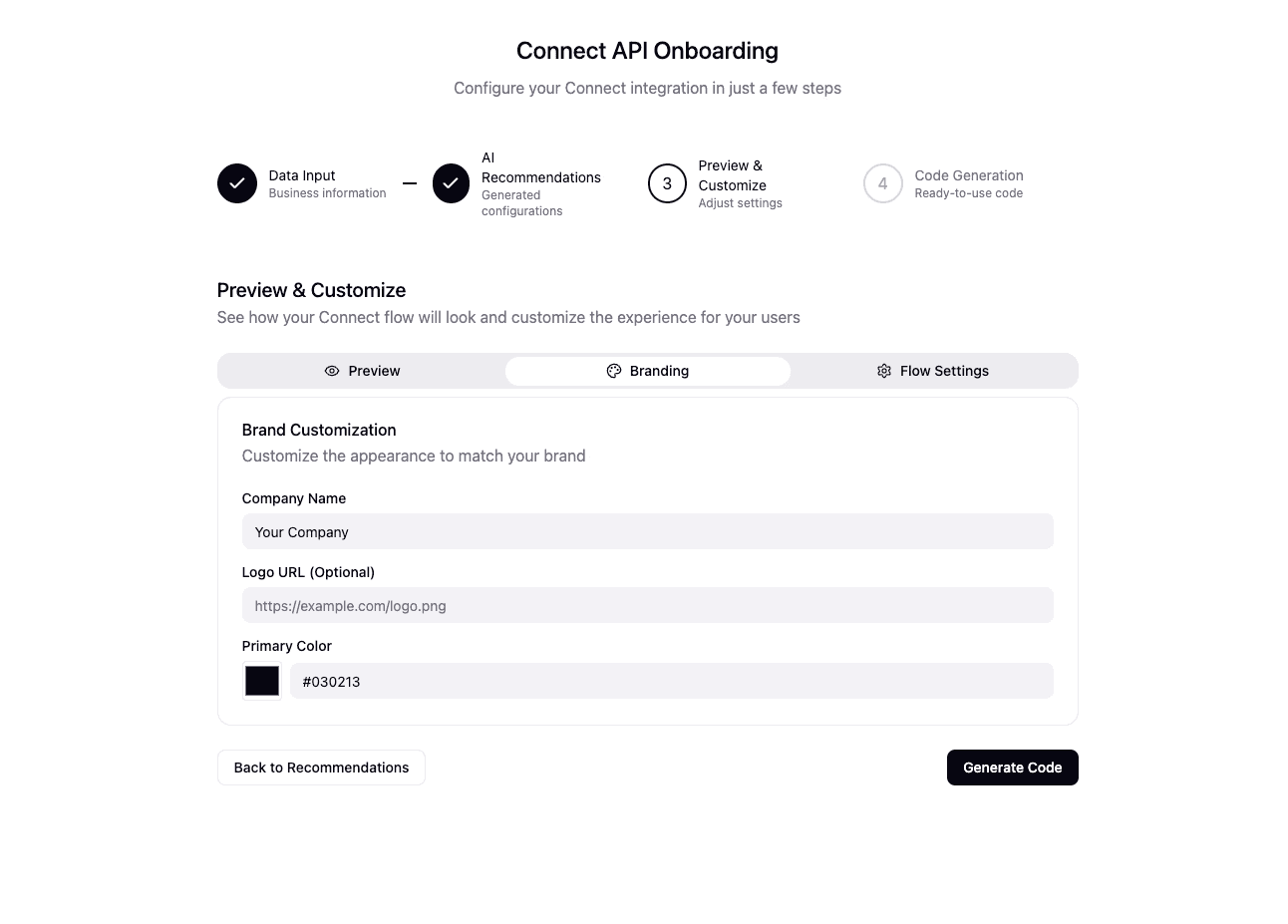
Preview & Customize: Clients can preview how the Connect flow will look for their users and adjust branding if needed.
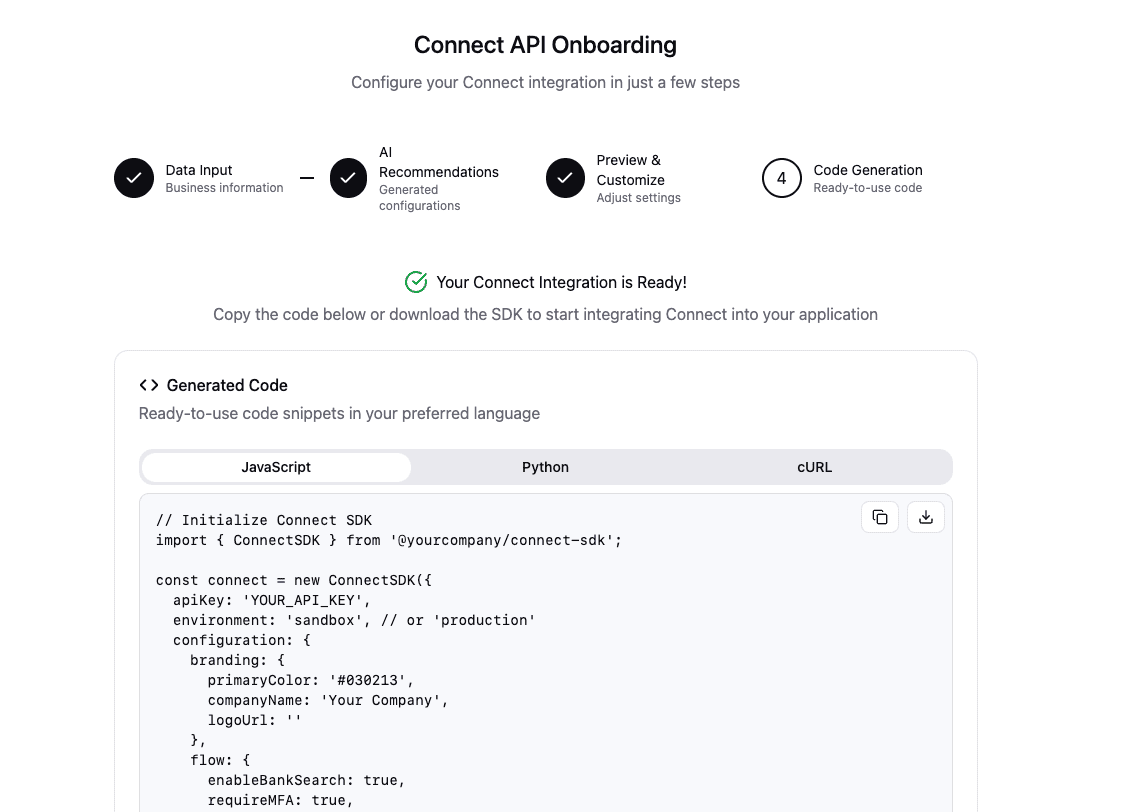
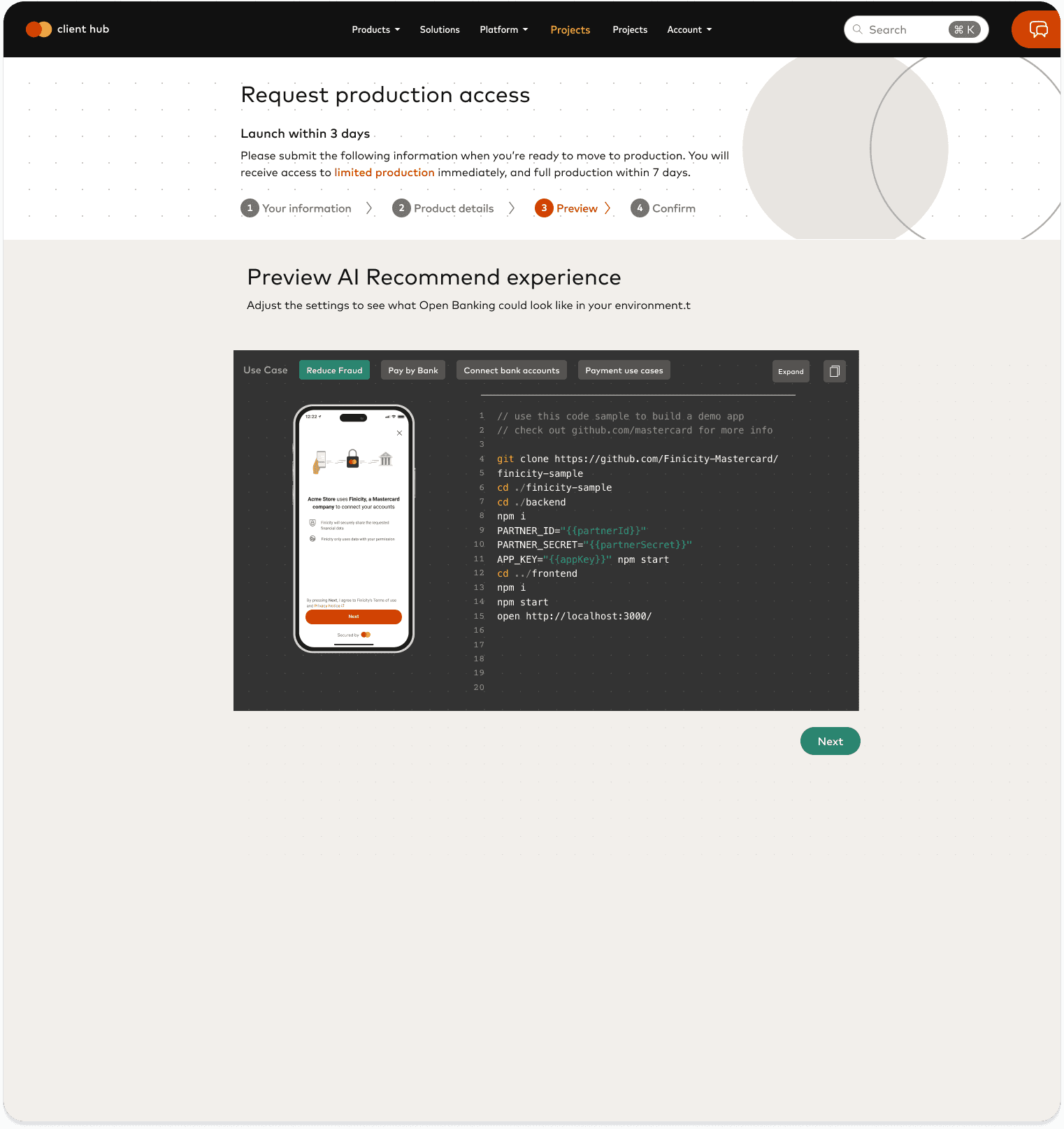
API Code Generation: AI Generates ready-to-use code snippets in the client's preferred language.
Onboarding Data Input: Clients enter key info (industry, use cases, etc.)
AI Recommendation Screen: AI generates 2-3 recommended Connect configurations tailored to their business
Preview & Customize: Clients can preview how the Connect flow will look for their users and adjust branding if needed.
API Code Generation: AI Generates ready-to-use code snippets in the client's preferred language.
We built an AI-powered recommendation system that analyzes client data, suggests the best Connect setup, and generates ready-to-use API code to speed up implementation.
User testing
We conducted remote usability testing with 6 client teams representing a mix of product managers and developers.
Product Managers found the AI recommendations reduced ambiguity and improved confidence in selecting the right setup.
Finding 1.
Developers valued the instant, ready-to-use code snippets, which significantly reduced setup time.
Finding 2.
Participants requested greater visibility into how recommendations were generated, leading to the addition of an explainability feature (AI rationale tooltips).
Finding 3.
Final Design
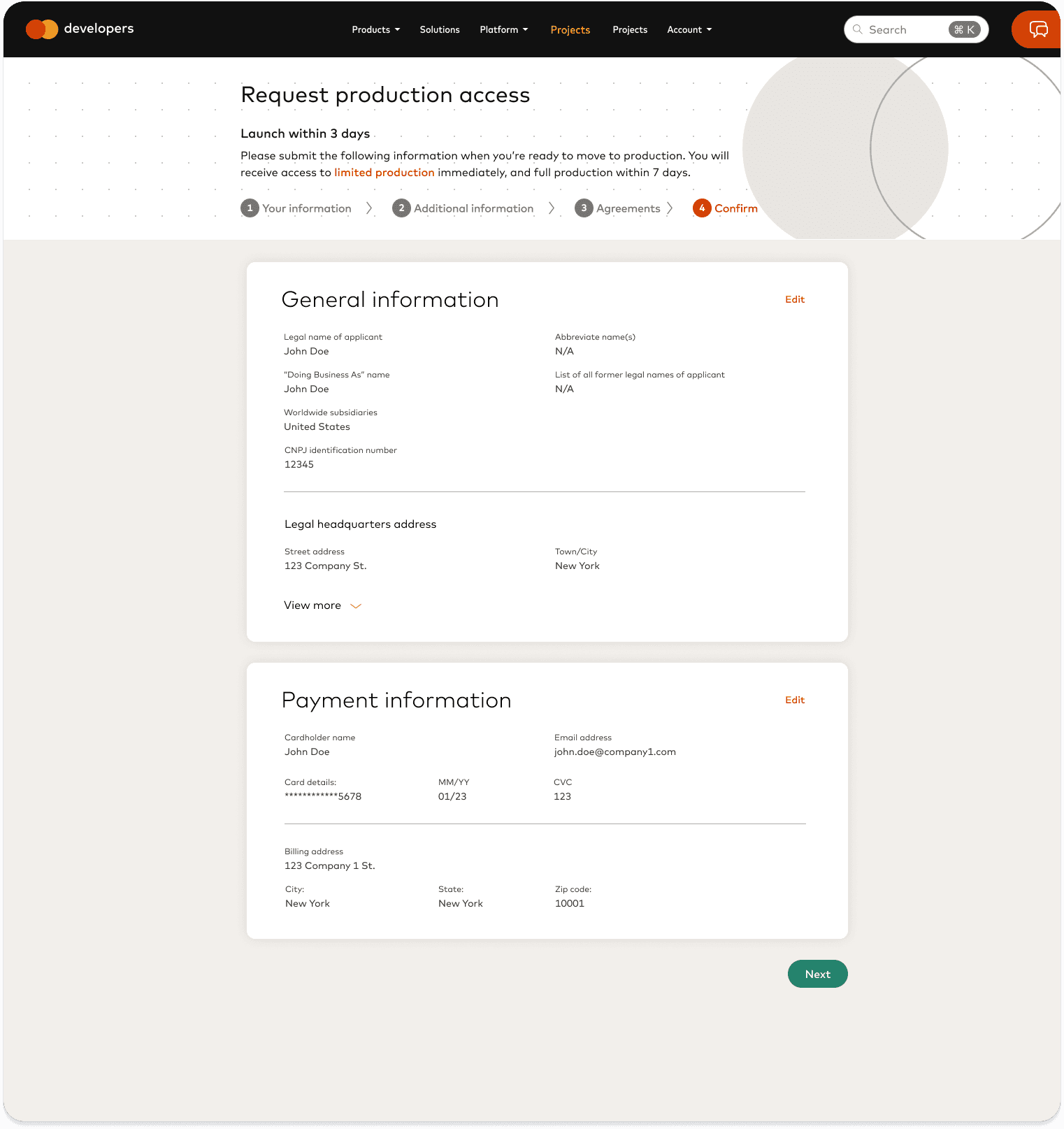
Delivered polished UI with AI tab, guided customization, and code export options
signup → API implementation
signup → API implementation
signup →
API implementation
client sentiment:
“We implemented in days
instead of weeks.”
client sentiment:
“We implemented in days
instead of weeks.”
client sentiment:
“We implemented in days
instead of weeks.”
© 2022–2024
Projects by Colleen Park
© 2022–2024
Projects by Colleen Park